GT3 · TRADING PAINTS #122444401 / 04
Porsche 911 GT3 R (992)
Race this paint ↗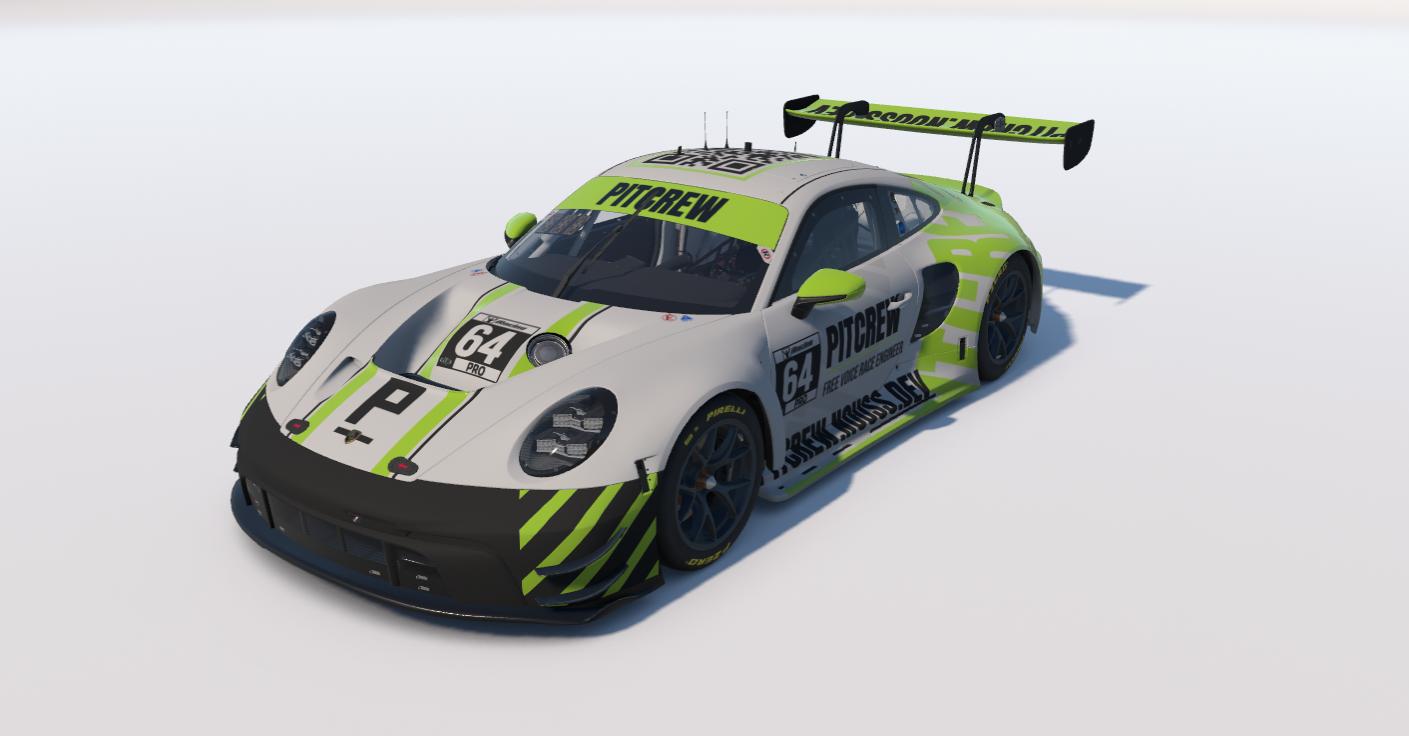
Three steps, and the first one you only do once. Get Trading Paints ↗
It is the free app that puts custom paints into iRacing. Sign in with your iRacing account and leave it running.
Open a livery here, then use the Race this paint button on its Trading Paints page. One car at a time.
Trading Paints loads the livery as the session starts. Every driver running it sees the same car you do.
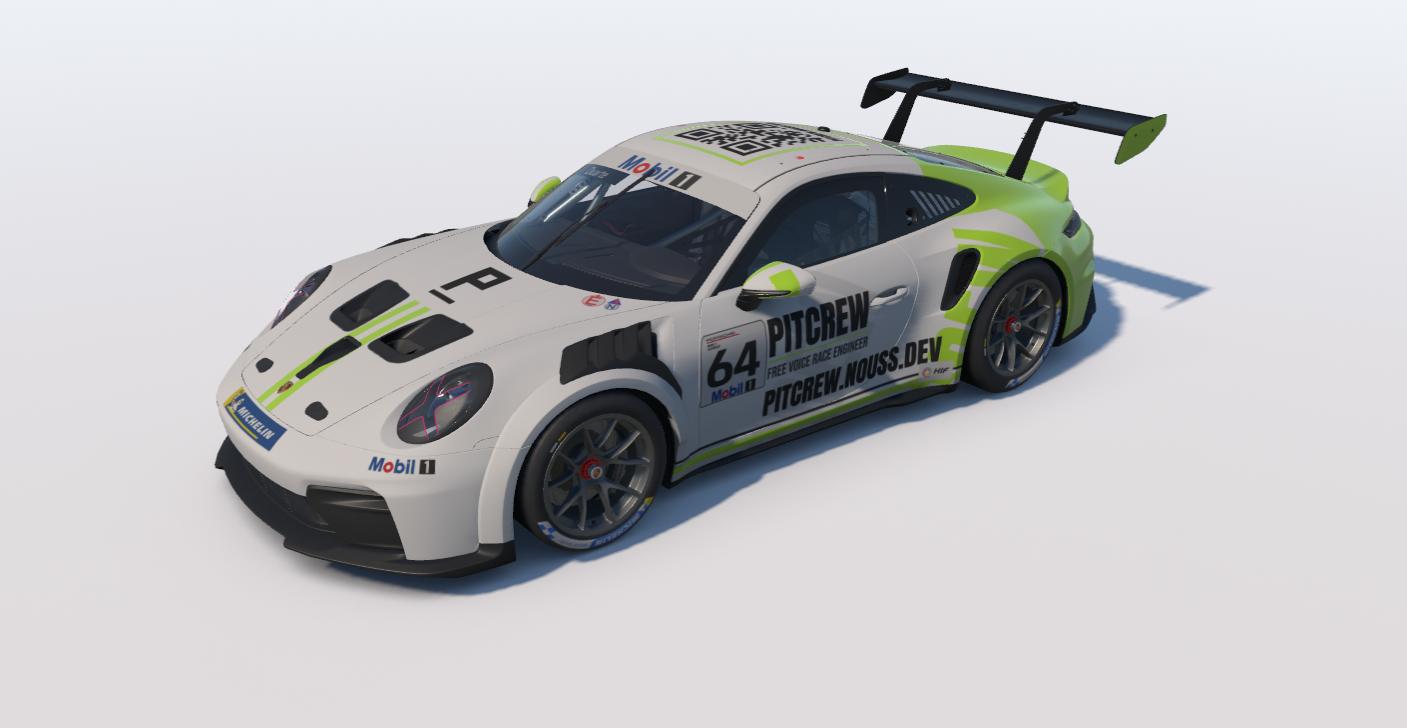
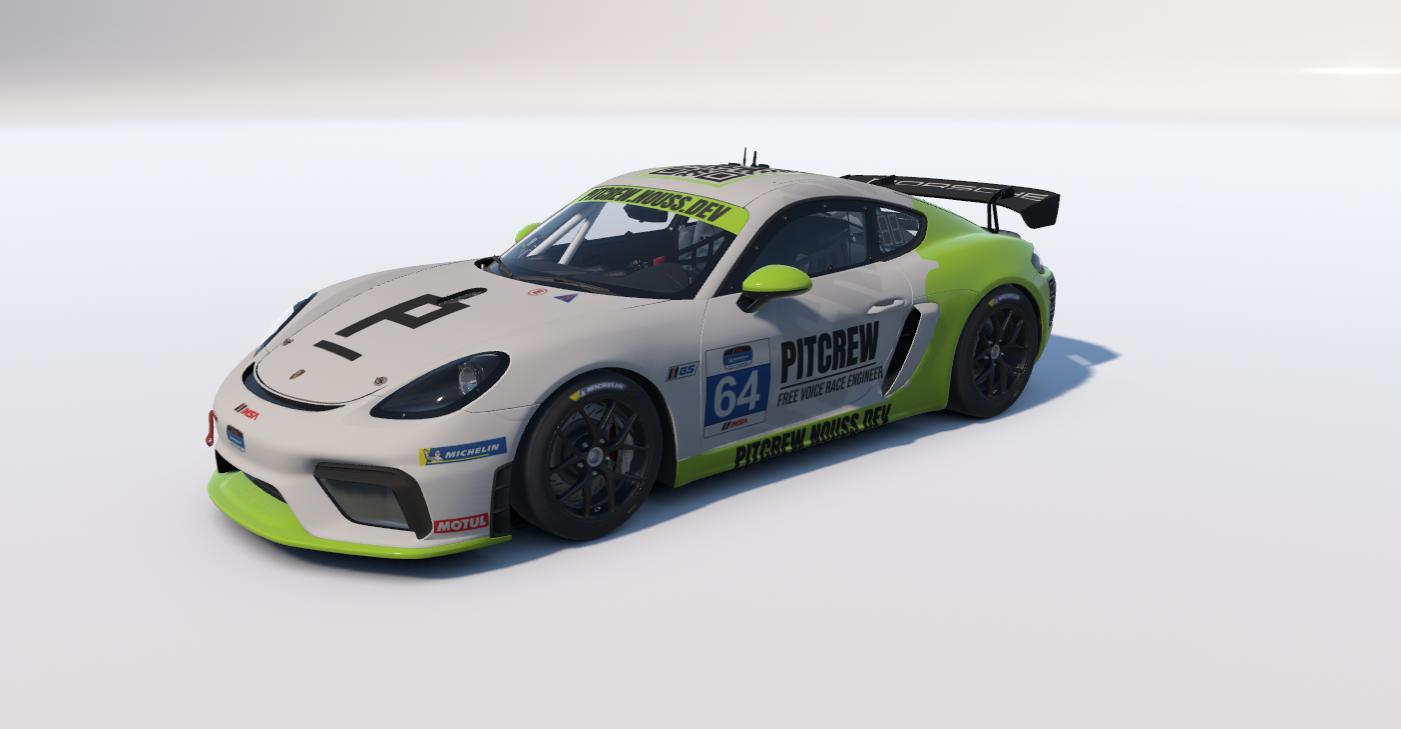
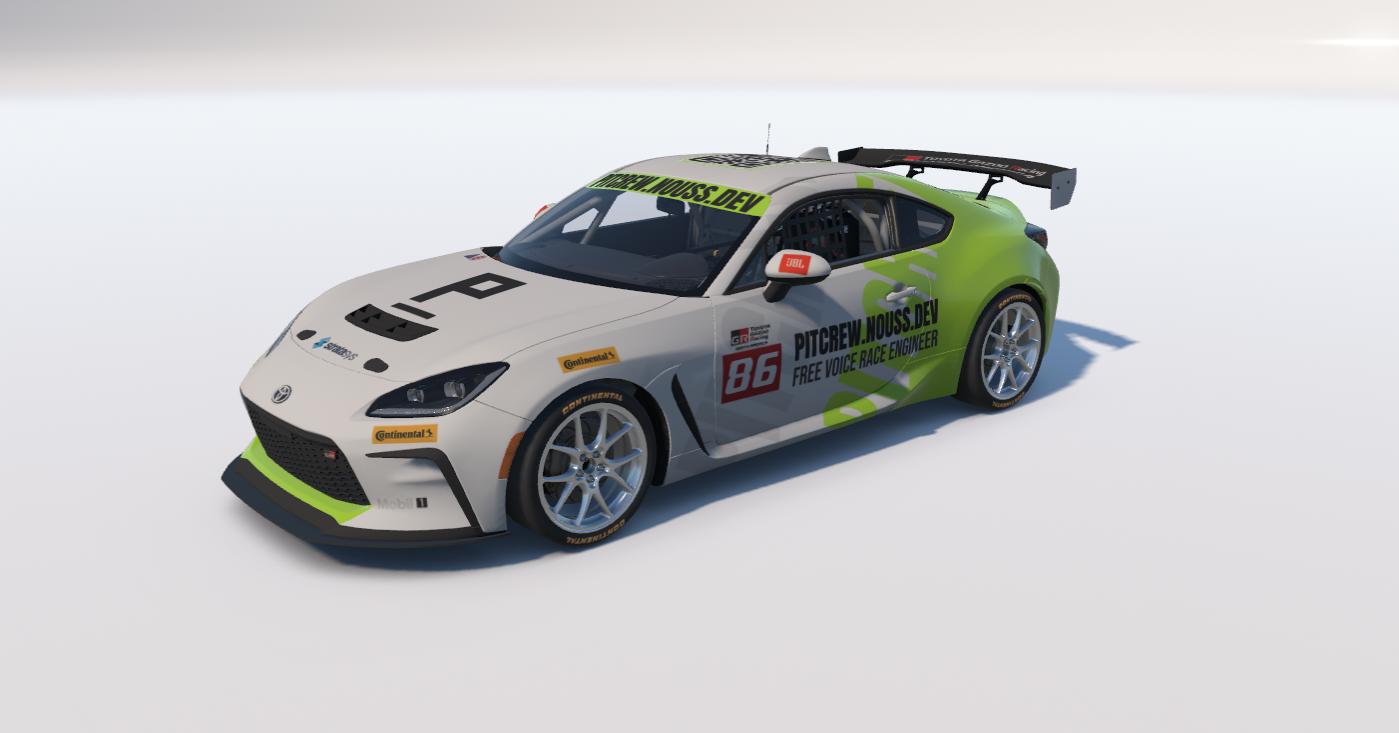
PitCrew is a free voice race engineer for iRacing. The livery only tells the grid who is on your radio.